
Remote ECU Tuning Setup & Requirements
Remote tuning requires a properly prepared environment. Connectivity issues, missing software, or an unprepared operator on the dyno floor are not problems we can work around mid-session. Get the setup right before we begin.
Pre-Requisite Checklist Prior to a Tuning Session
The vehicle must be properly prepared before the tuning session. It is the workshop's responsibility to ensure the vehicle has been mechanically inspected and is in suitable condition for calibration.
- Ensure a stable, high-quality internet connection is available. If using a mobile phone hotspot, the phone must not be used for calls, messages, or other applications during the session.
- Ensure the vehicle battery is fully charged and in good condition. A battery charger or power supply is strongly recommended throughout the tuning process.
- Ensure the laptop being used is fully charged and has a reliable power source available.
- Ensure remote access software is installed and ready for use (Chrome Remote Desktop or Microsoft Teams).
- Provide remote access to the dynamometer control computer where required.
- Ensure you are able to capture and provide datalogs and dyno reports during and after the tuning session.
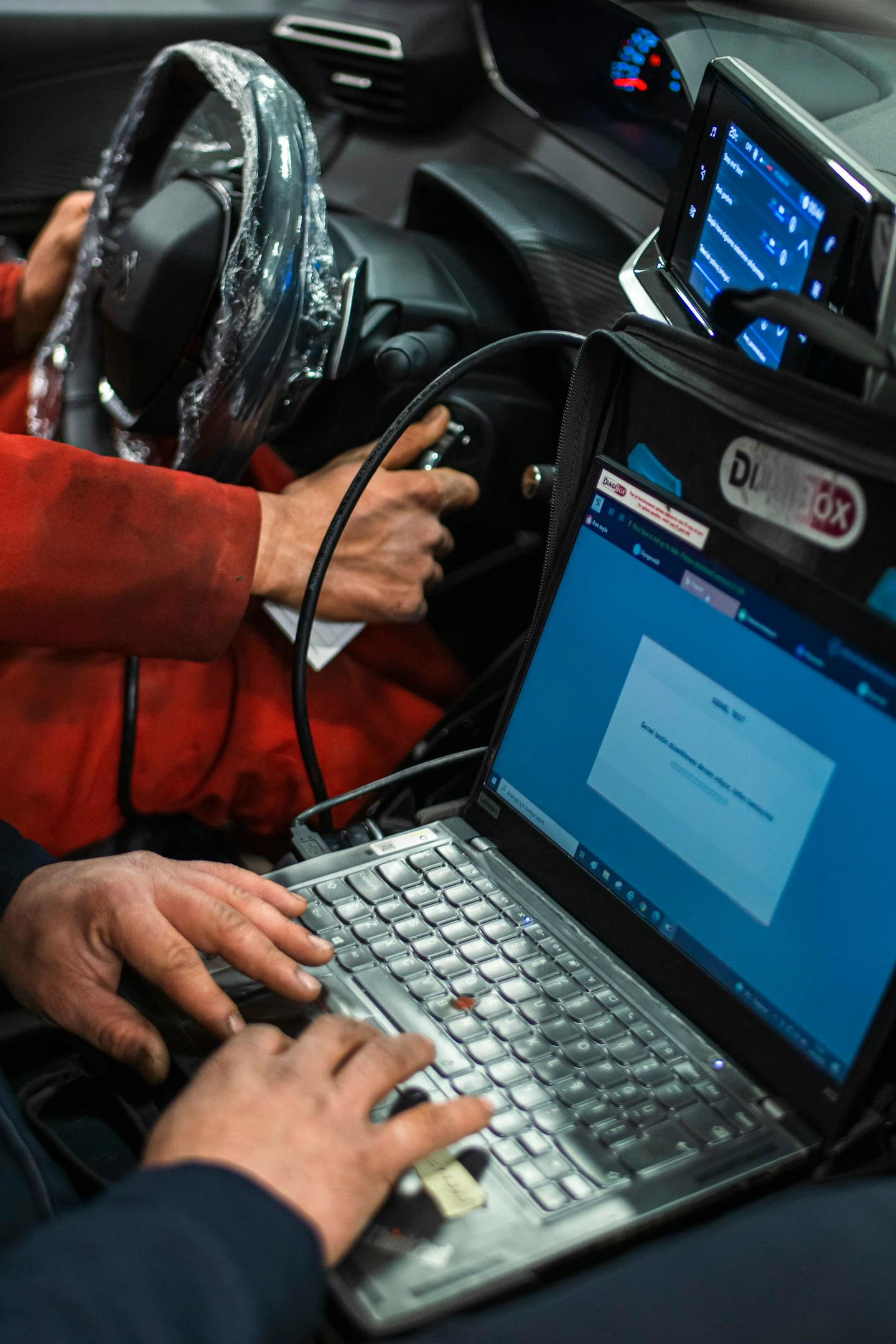
- Confirm that all required tuning interfaces, flashing tools, and software licenses are operational before the session begins.
- Verify that the vehicle has no active mechanical faults, warning lights, fluid leaks, ignition issues, fuel delivery problems, or other conditions that may affect calibration accuracy or safety.
What Remote Tuning Covers
Remote sessions apply to standalone ECU calibration, OEM flash-based tuning, and Stage 3 factory ECU development. The preparation requirements below apply to all of them. The level of real-time access required varies by platform and session type — discuss this before booking.
Standalone ECU Tuning
Platforms such as Syvecs, Motec, Haltech, Link, and Emtron. Full live access to the tuning software on your laptop is required. The calibrator needs to be able to read and write maps in real time during the session.
OEM Flash Tuning
Platforms including HP Tuners, ECUtek, MHD, PCMTec, Bootmod3, and VersaTuner. File exchange via the portal handles most of this, but live sessions may be arranged for complex builds requiring real-time monitoring and rapid iteration.
Stage 3 / Factory ECU Development
Advanced OEM ECU unlocking and deep calibration work. These sessions involve extended time on the dyno with active communication between the calibrator and operator throughout. No gaps in connectivity or communication.
Your Internet Setup Has to Be Solid
A dropped connection mid-flash, mid-tune, or mid-run is not just an inconvenience. Depending on the platform and what is happening at that moment, it can leave a vehicle in an unsafe calibration state. This is not exaggeration.
Do not use a mobile hotspot you are actively taking calls on
A voice call on the phone running your hotspot will interrupt or collapse the data connection at the worst possible moment. If you want to use mobile internet, have a dedicated device for data that will not be used for calls during the session. A fixed line broadband connection is strongly preferred.
Acceptable Connections
- Fixed line NBN, ADSL2+, or fibre (preferred)
- Dedicated 4G/5G mobile broadband device not used for calls
- Minimum 10 Mbps up/down — 25+ Mbps strongly preferred
- Consistent connection — not a signal that drops every few minutes
Not Acceptable
- Personal mobile hotspot on the phone you are using for voice calls
- Public WiFi or workshop guest networks with bandwidth restrictions
- Connections that have dropped or been unstable in the last hour
- Satellite internet with high latency (unsuitable for live tuning)
Remote Access Must Be Pre-Configured
All three machines need to be set up and tested before the session. Not on the day — before. If remote access is not working when we start, the session does not proceed.
Tuning Laptop
The laptop used for ECU flashing and logging. Requires:
- Microsoft Teams or Chrome Remote Desktop installed and tested
- Tuning software open and connected to the ECU prior to session start
- Logging software running and confirmed capturing data
- Charger plugged in — do not run on battery during a session
Dyno Control PC
The machine operating the dyno. Requires:
- Same remote access software as the tuning laptop
- Dyno software displaying all channels we need to see
- Screen layout configured before the session — do not rearrange mid-run
- If the dyno PC and tuning laptop are the same machine, note this when booking
Communication
Live voice communication throughout the session is mandatory. Options:
- Microsoft Teams call — preferred, also allows screen share
- Phone call if Teams is not available for voice
- The operator must be hands-free to communicate — headset strongly recommended
- No interpreter required, but clear spoken English is necessary
Chrome Remote Desktop setup takes five minutes
If you have not used remote access tools before, Chrome Remote Desktop is the fastest to set up. Install Chrome, visit remotedesktop.google.com, install the extension on both the tuning laptop and dyno PC, and test it from a second device before the session. If anything is unclear, ask us before the session day.
The Person on Site Is as Important as the Software
During a remote session, the on-site operator is our hands and eyes in the workshop. They must be able to follow instructions precisely, report what they observe accurately, and make quick safety decisions without waiting for approval.
- Understands basic English and can follow spoken instructions without ambiguity
- Can describe engine behaviour accurately — "it sounds different" is not a useful report
- Knows how to abort a run immediately and safely — not after asking
- Can identify and communicate when AFR, boost, or knock behaviour changes between runs
- Does not override or second-guess calibration instructions mid-run
- Knows where the kill switch is and is prepared to use it
Miscommunication under load causes damage
During a remote session, the calibrator cannot see or hear the car directly. If the operator does not accurately report what is happening, the calibrator cannot make a safe decision. If there is a language barrier or communication problem, resolve it before the session, not during a full-power run.
Spark Plug Reading — How to Send Us Useful Images
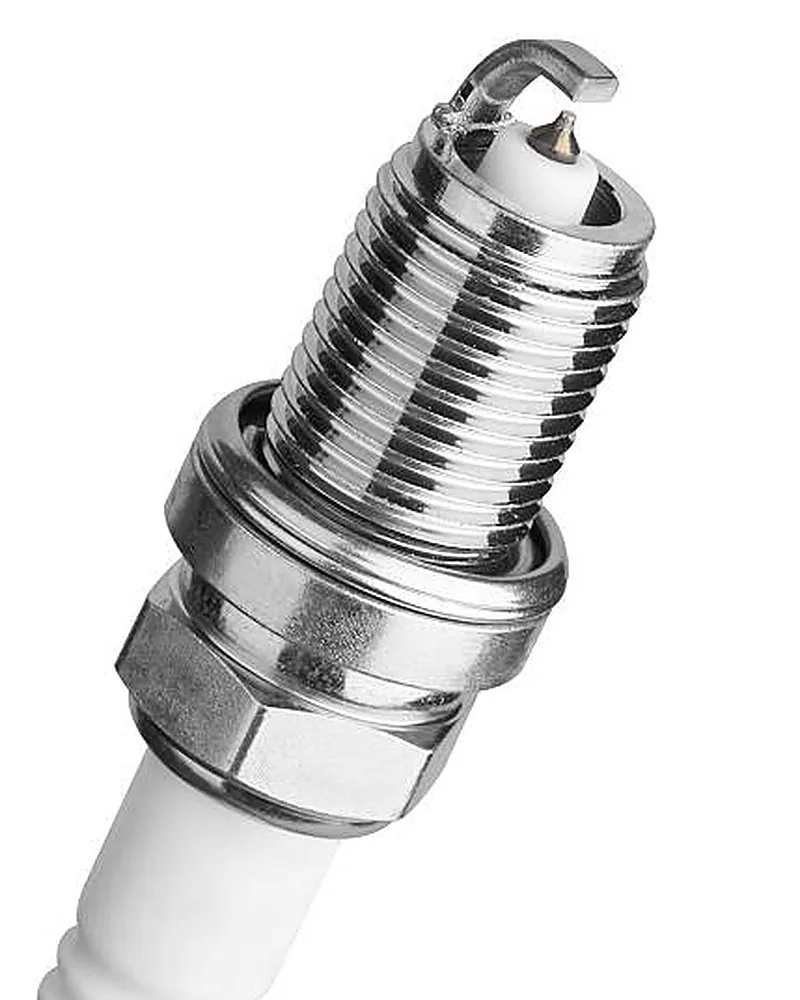
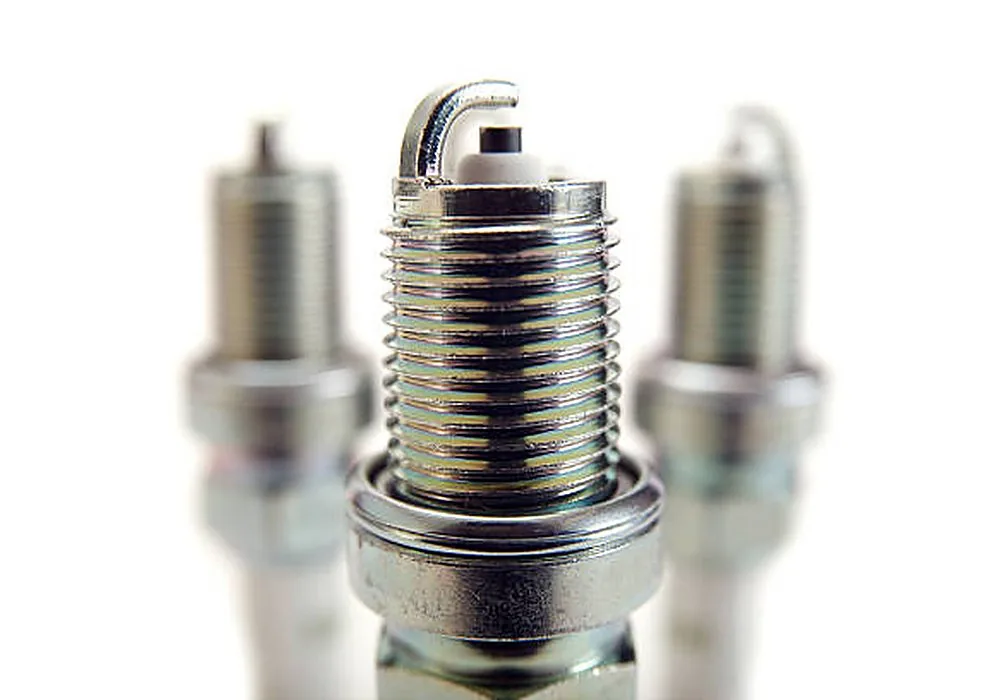
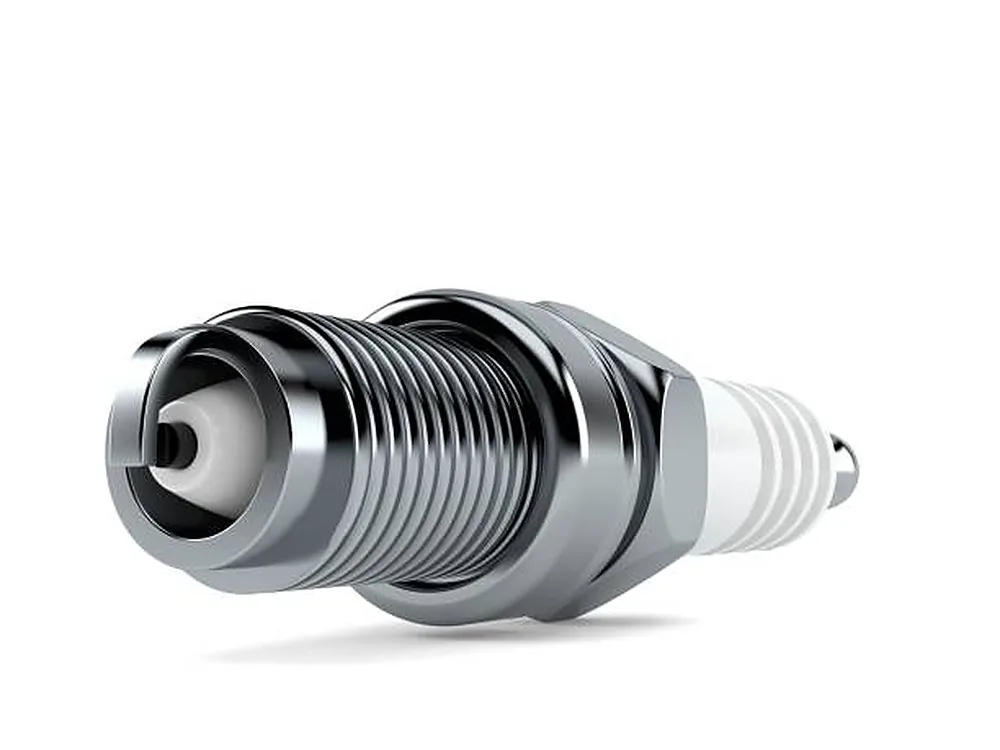
Spark plug condition tells us a lot about what is happening inside the combustion chamber that data logs alone cannot always capture. We strongly recommend sending photos of every plug before and after a session. To make them useful, each plug needs three specific shots.
Why we ask for three angles per plug
The electrode, ground strap rear, and insulator tip each tell a different story. The electrode shows the overall combustion temperature range. The rear of the ground strap shows localized heat soak and pre-ignition indicators that the electrode side hides. The insulator tip shows the deepest part of the combustion chamber — the most accurate read on mixture quality. One shot is not sufficient.
Shooting conditions that matter
- Good lighting — a torch held to one side gives contrast that flat overhead light misses
- Macro or close-focus mode — the whole tip should be sharp, not blurred
- Clean lens on the phone — a smudged lens will wash out the deposit colours
- White balance set to daylight or a consistent artificial light — colour accuracy matters for reading deposits
- Label each image by cylinder number — an unlabelled photo of a plug is significantly less useful
- Include a plug from every cylinder, not just the most interesting one
The Physical Setup Around the Dyno
The room and the equipment around the vehicle during a remote session affects the quality of what we can accomplish. These are practical requirements, not preferences.
Power and Grounding
- Battery voltage stable — charge the battery or connect a charger before the session
- All ECU flash tools fully charged or plugged in — do not flash on a dying battery
- Vehicle grounding verified — a bad chassis earth causes logging dropouts and ECU communication errors
Dyno Environment
- No interruptions to the workshop during the session — close the booking, turn off the radio
- Exhaust extraction working — a running engine in an enclosed space is a health hazard
- Vehicle secured on the dyno correctly before we begin — do not strap down mid-session
- Fire extinguisher accessible from the operator position
Is your workshop ready?
If your setup meets the requirements above, register as an approved dealer and we can discuss session availability and what platform you are working on.
Remote sessions land on real cars
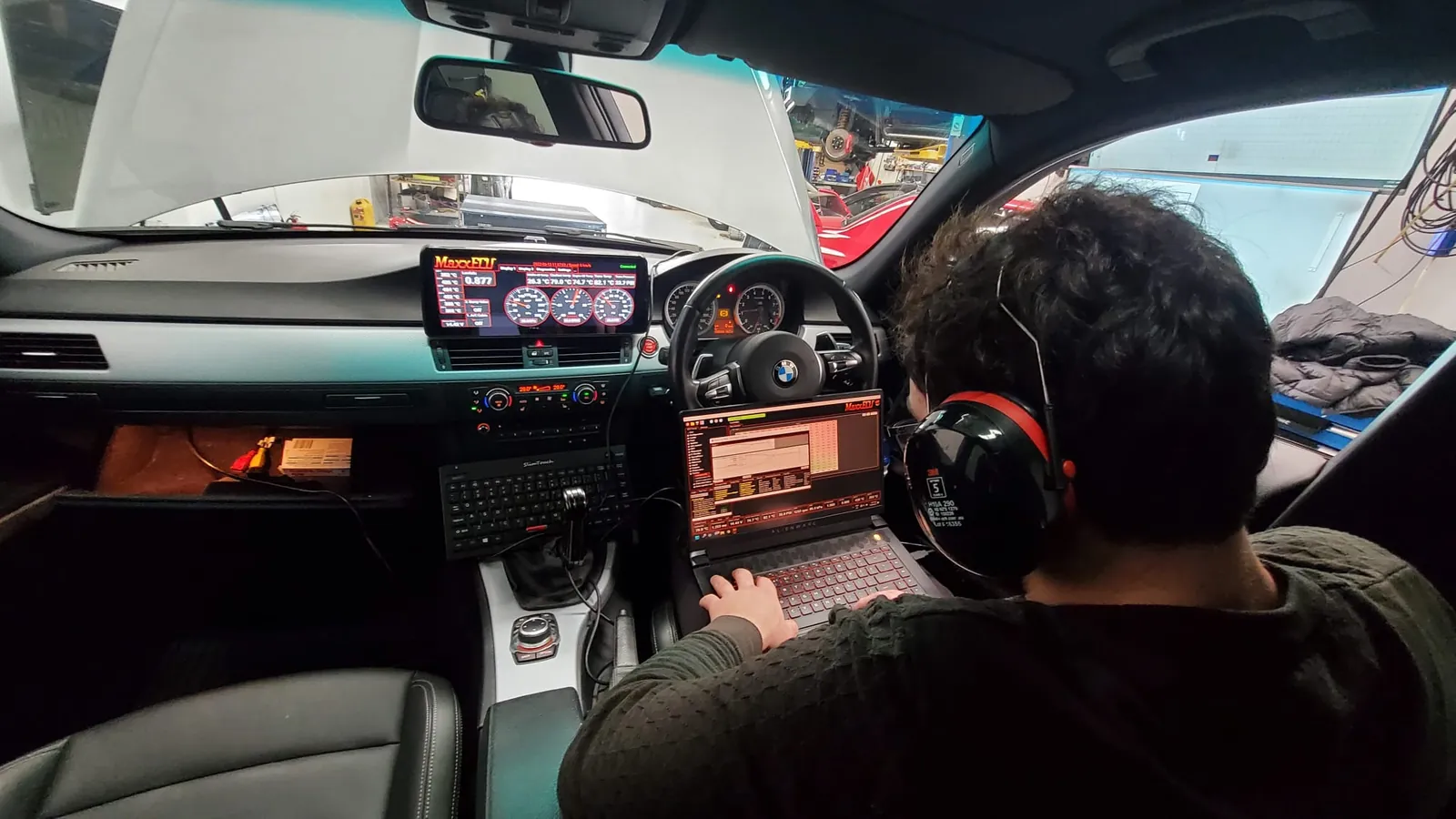
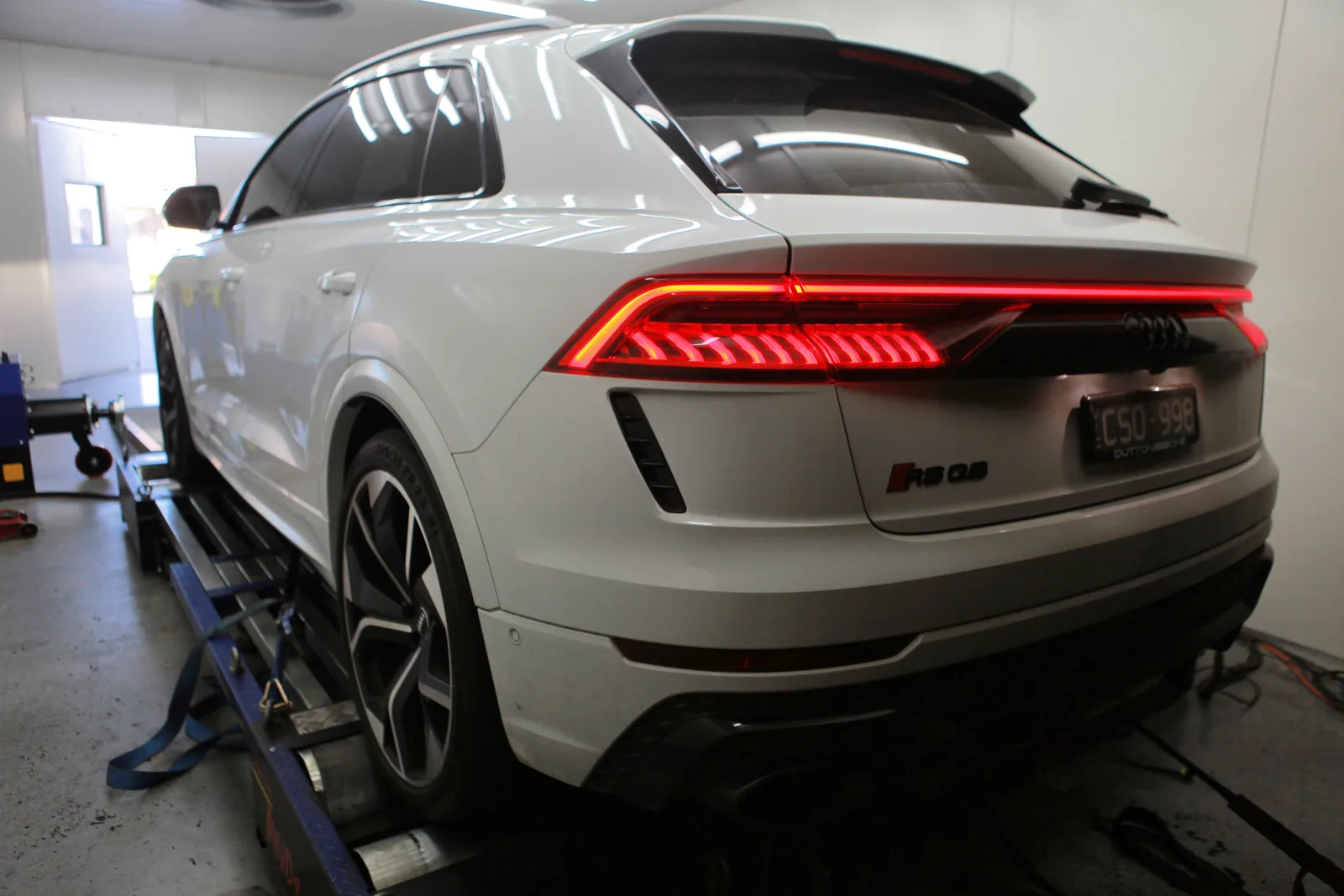
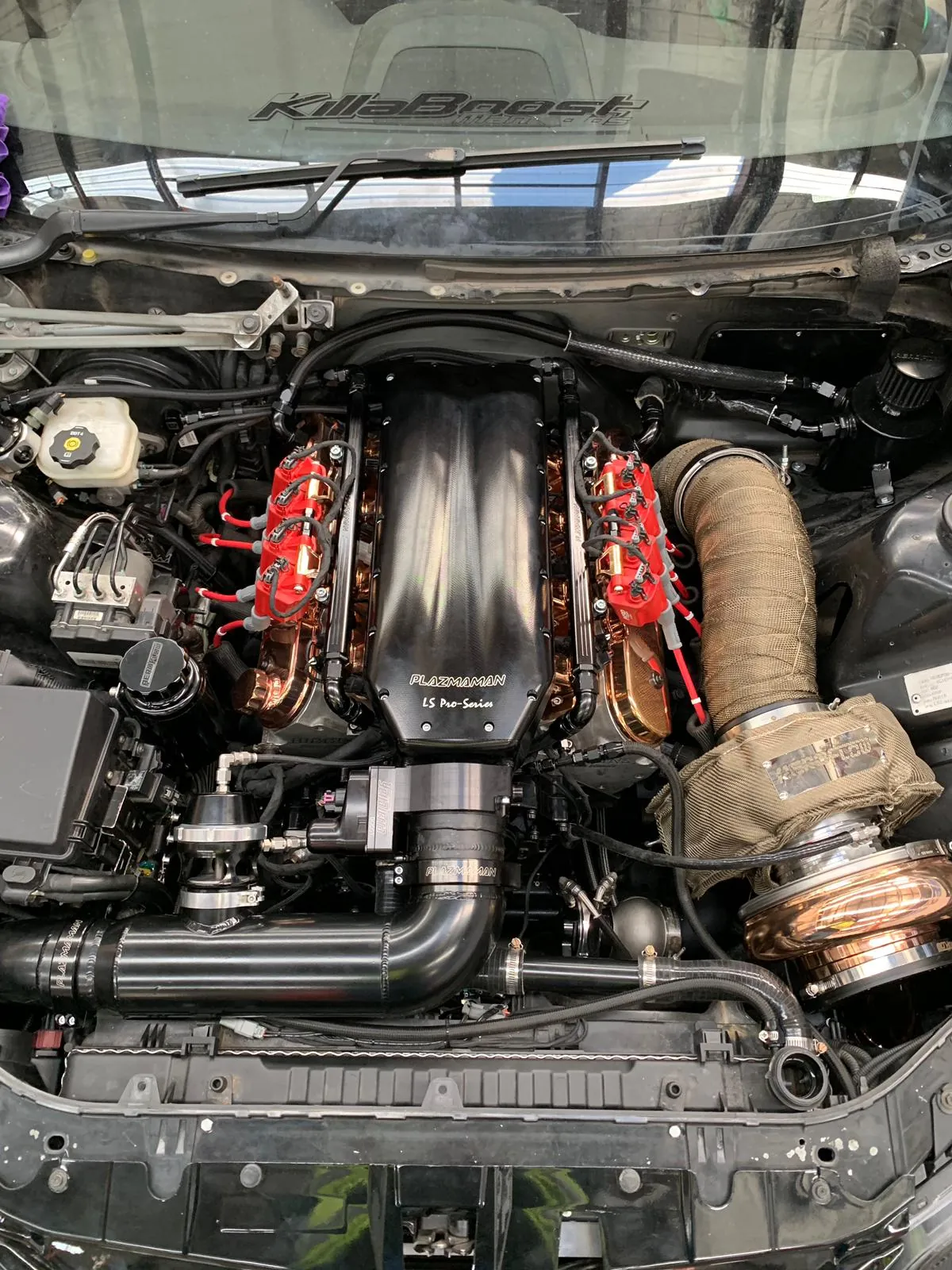
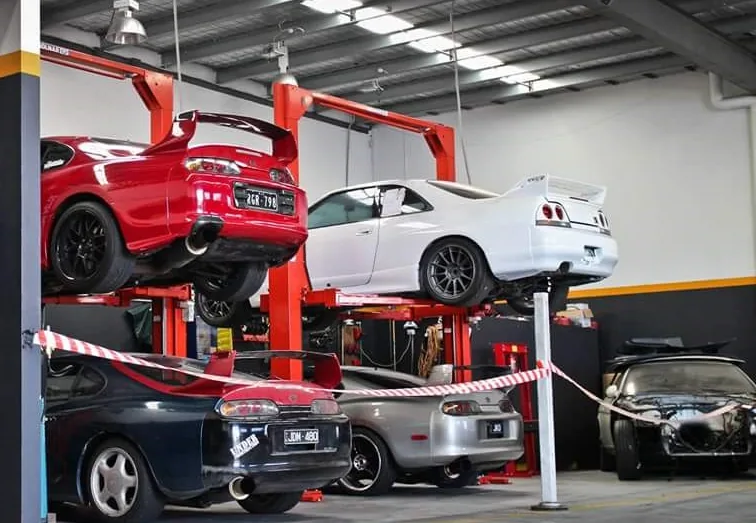
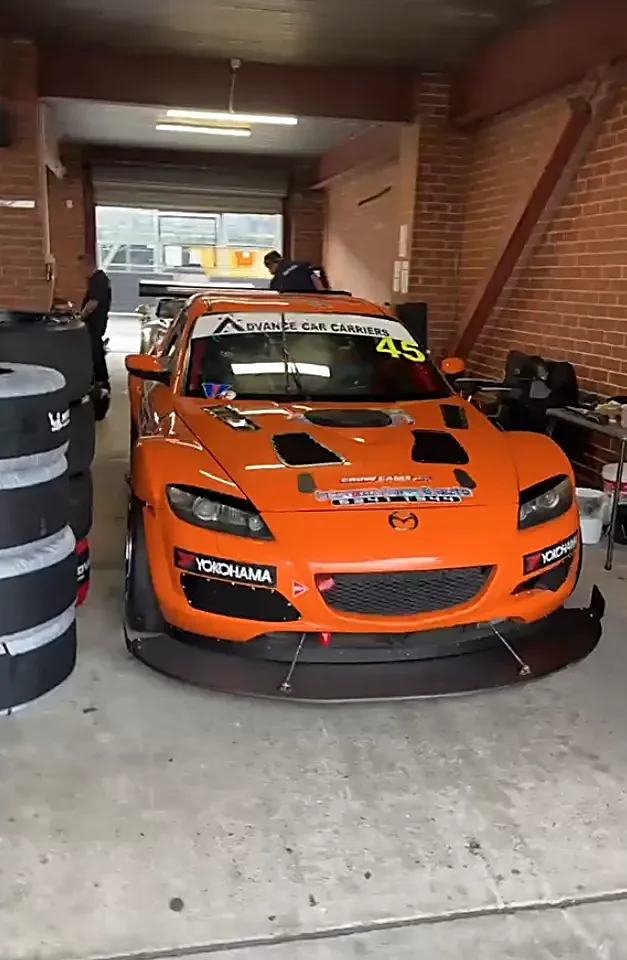
The far end of a remote session is a workshop, a dyno and a car like these.
-
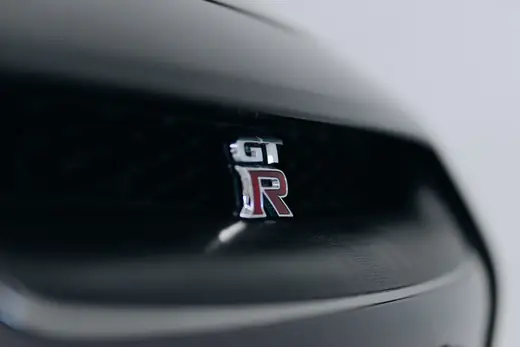
Nissan GT-R R35 -
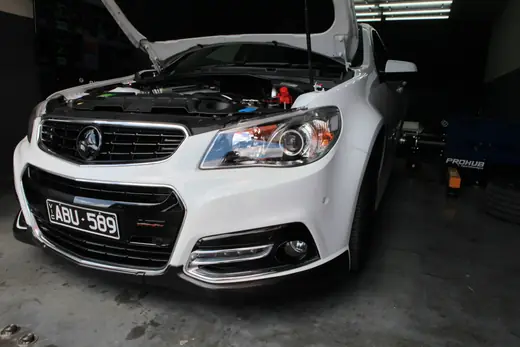
Holden Commodore VF -
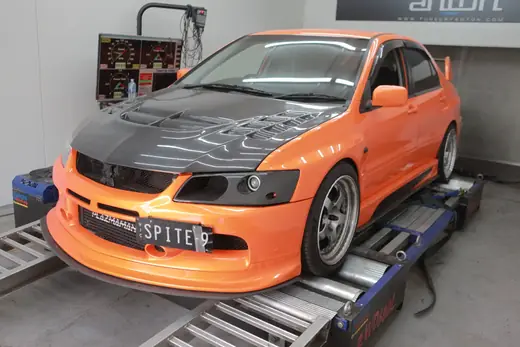
Mitsubishi Evo 9 -
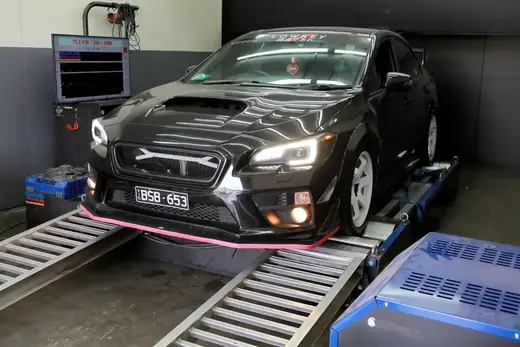
Subaru WRX VA
Photographs from the former Tuned By Anton workshop, 2015–2025. See the full gallery
